One AI Toolkit for YouTube Scripts, Video Ideas, and Upload Optimization
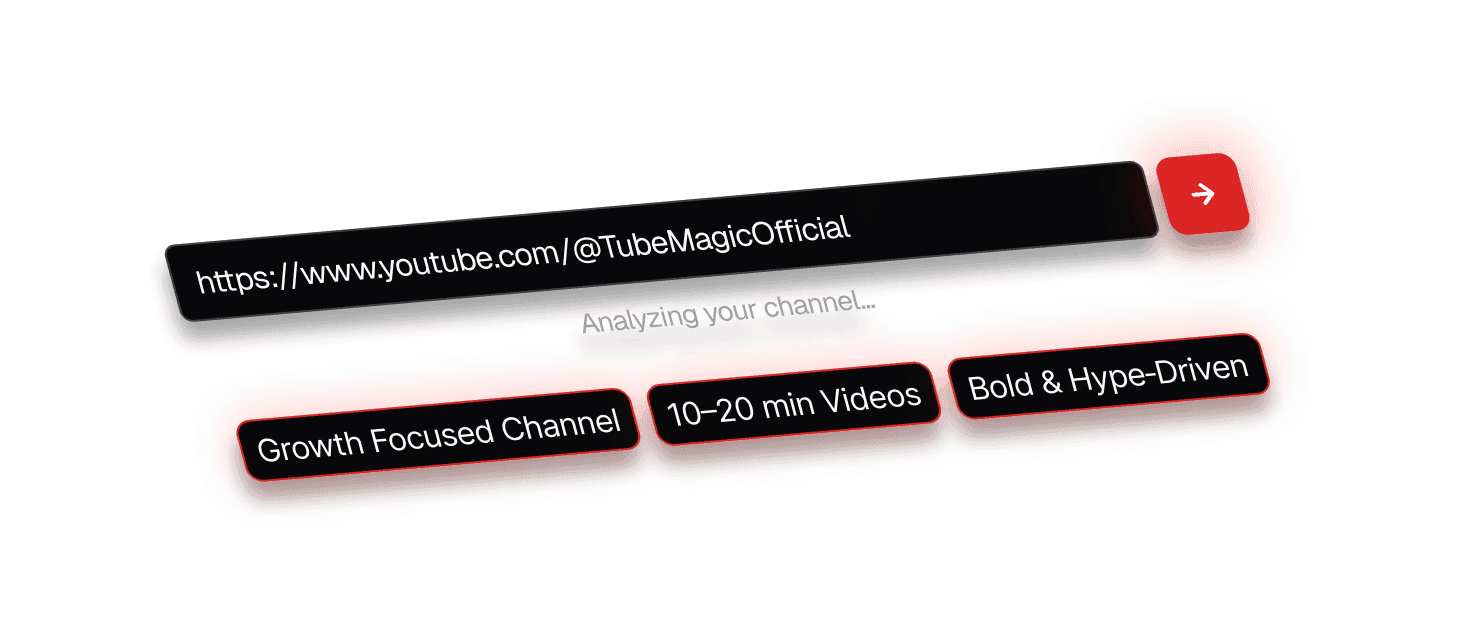
TubeMagic drafts a script matched to your channel's tone, surfaces video ideas and keywords, generates thumbnails, and writes your titles, descriptions, and tags — one plan, one workspace, instead of juggling several separate apps.
Affiliate link — we may earn a commission at no additional cost to you.
This is an independent review, written and edited without vendor input. See our editorial policy and scoring methodology. This page contains affiliate links; we may earn a commission at no extra cost to you. See our affiliate disclosure.
Making YouTube videos consistently is harder than it looks
Most creators don't stall out on filming — they stall out before it. Running out of video ideas, staring at a blank page trying to structure a script, spending hours researching a topic that a competitor already covered better, and publishing on an inconsistent schedule because every video starts from zero. Turning a rough idea into an organized, ready-to-record script is its own separate skill, and it eats time that could go into actually making the video.
What TubeMagic brings together
Based on what TubeMagic publishes about itself, verified directly against its own site, it bundles the research and drafting side of making a video into one workspace: idea and niche research to decide what to make, AI script generation matched to your channel's tone to draft it, keyword research to help it get found, thumbnail generation to help it get clicked, and upload optimization (titles, descriptions, tags) to finish the job — instead of stitching together several single-purpose tools.
Main features
Every feature below is stated on TubeMagic's own site and confirmed there directly — see our full review for sourcing on each one.
AI script generation
Drafts a video script matched to your channel's tone, using links to top-performing videos as inspiration. Length is adjustable, from short-form up to roughly a 20-minute script.
Confirmed from vendor's websiteArticle-to-script & video-to-script
Converts an existing article, or another YouTube video, into a new draft script — useful for creators repurposing content they've already written or filmed.
Confirmed from vendor's websiteYouTube-to-transcript
Pulls a clean, formatted transcript from any YouTube video link.
Confirmed from vendor's websiteVideo idea & niche research
Suggests video topics, surfaces top-performing videos in your niche, and includes a dedicated niche explorer and an ideas manager to organize a content pipeline.
Confirmed from vendor's websiteKeyword & SEO research
Surfaces keyword search volume and competition, plus a vendor-defined "Magic Score," to help prioritize topics.
Confirmed from vendor's websiteAI thumbnail generation
Generates thumbnail image options intended to stand out in search and suggested-video feeds.
Confirmed from vendor's websiteUpload optimization
Generates titles, timestamped descriptions, and SEO tags for upload, with a tag organizer to manage them across videos.
Confirmed from vendor's websiteCommunity post & channel name generators
Smaller bundled tools for drafting YouTube community posts and brainstorming channel name ideas.
Confirmed from vendor's websiteChrome extension
A browser extension the vendor describes as enabling optimization directly inside YouTube Studio, rather than only through the TubeMagic web app.
Confirmed from vendor's websiteMultiple AI model options
Standard usage runs on Sonnet-4.6-class and Gemini Flash models (up to 100 generations/day per tool); the plan's 500 monthly premium credits unlock Claude-Opus-4.6-class generation.
Confirmed from vendor's websiteBuilt-in originality check
The vendor describes a built-in plagiarism/originality checker intended to confirm generated scripts are unique before you publish.
Confirmed from vendor's website“Confirmed from vendor’s website” means we verified the vendor states this — it does not mean we have hands-on tested it yet. None of the features above have been independently hands-on tested.
How it works
This is the workflow TubeMagic describes on its own site. It's a starting point you still review and adapt, not a replacement for your own judgment or a hands-off publishing pipeline.
- Step 1
Give it a topic, channel, or goal
Reference your channel so generation can match its tone, and give TubeMagic a topic, an inspiration video, or an existing article to work from.
- Step 2
Research and generate
Use the idea, niche, and keyword research tools, then generate a script, thumbnail, title, description, and tags for the same video.
- Step 3
Review, edit, and adapt
Edit, regenerate, or chat with the draft before you record — the output is a starting point, not a finished, ready-to-upload video.
Who TubeMagic is for
Likely a good fit
- Solo YouTube creators who want an AI first draft of a script matched to their own channel's tone, without hiring a scriptwriter
- Creators who want script, video idea, keyword research, thumbnail, and upload-optimization tools bundled into one product rather than several separate apps
- Creators who already have written content (articles, past video transcripts) they want converted into new video scripts, thanks to the article-to-script and video-to-script tools
Who it may not be for
- Teams or agencies needing multi-seat or collaborative accounts — TubeMagic's published plan is a single, all-inclusive tier with no team option listed
- Creators who specifically need voice cloning, dubbed multilingual audio, or automatic captioning — none of these are currently offered, per TubeMagic's own features page
- Anyone who needs a documented API or third-party integration (e.g. Zapier, a YouTube Studio connection) — TubeMagic's own materials don't describe any integration beyond a Chrome extension
Testimonials published by TubeMagic
These quotes were selected and published by TubeMagic itself as marketing testimonials — not collected or verified independently by Creator Tools Review. See our full review for an editorial note on which of these come from company insiders rather than arms-length customers.
Says TubeMagic is his go-to tool for generating video ideas, and specifically credits its script templates.
Published on tubemagic.com homepage
Editorial note: Matt Par is also the YouTuber who acquired TubeMagic — then called Morise.AI — in January 2024 and is credited as its CEO on TubeMagic's own About page. That ownership role is not disclosed next to this testimonial on the marketing page itself. It doesn't make the quote false, but it isn't an arms-length customer endorsement either.
Says he started the product — originally launched as Morise.AI — so YouTubers could focus on creating content rather than on optimization work.
Published on tubemagic.com homepage
Editorial note: Already labeled as founder on the vendor's own page, so this one is transparently a company-insider quote rather than a customer's — included for completeness.
Describes TubeMagic as a toolbox that helps generate video ideas and plan out months of content in advance.
Published on tubemagic.com homepage
Says they use TubeMagic regularly, specifically calling out video tags and community post generation.
Published on tubemagic.com homepage
Says the tool is trained on data from high-performing channels and that it noticeably speeds up their workflow.
Published on tubemagic.com homepage
Credits TubeMagic's SEO suggestions with a meaningful improvement in how their videos rank.
Published on tubemagic.com homepage
These quotes were selected and published by TubeMagic’s own vendor as marketing testimonials — not an independent sample, and not verified by us beyond confirming they appear on the vendor’s site. Treat them as the vendor’s chosen social proof, not as a substitute for independent hands-on testing.
Strengths and things to consider
AI-generated output still needs your own review before you rely on it, features can vary with plan changes, pricing and terms are set by the vendor and can change, and results depend on your channel, niche, and how you use the output — not on the tool alone.
Pros
- One clearly-priced Premium plan ($41/month, or $497/year) instead of a multi-tier pricing ladder
- A 30-day money-back guarantee is stated on the pricing page, described there as a 'no questions asked' refund requested by email
- Script generation is bundled with a wide set of surrounding tools — video idea and niche research, keyword research, thumbnail generation, transcript extraction, and article/video-to-script conversion — instead of being a single-purpose scriptwriter
- The Premium plan includes a bundled "Tube AI System Course" and priority support at no extra cost, per the pricing page
- Cancellation is described as unrestricted in the Terms and Conditions ("you may do so" at any time), with no minimum-commitment language found
Cons
- No free trial is currently offered — the vendor states trials are disabled 'due to spam'
- No team/multi-seat plan or API access appear to be offered, based on what's published
- TubeMagic's Terms and Conditions state accounts cannot be transferred to another party, and disclaim responsibility for "any legal mis-happenings generated by AI" — worth reading before relying on generated content for commercial use at scale
- No third-party integrations (a native YouTube API connection, Zapier, or similar) are advertised beyond a Chrome extension
- This review is not yet hands-on tested — see the FAQ below
Pricing and guarantee
Premium (monthly billing)
$41.00/month
Single plan tier. Vendor states: all tools unlocked, standard credits allow up to 100 generations/day per tool using Sonnet 4.6 and Gemini Flash (resets every 24 hours), plus 500 premium credits/month that unlock Claude Opus 4.6 (resets monthly), priority support, and a bundled "Tube AI System Course." Verified at tubemagic.com/pricing on 2026-07-17.
Premium (annual billing)
$497.00/year
Same Premium tier, billed annually; vendor advertises this as a 20% saving versus monthly billing. Verified at tubemagic.com/pricing on 2026-07-17.
Pricing verified on July 17, 2026. Prices and terms are set by the vendor and can change — confirm the current offer on TubeMagic’s site before buying.
Refund policy
The pricing page states a 30-day money-back guarantee, described as a "no questions asked" refund requested by email. The Terms and Conditions page states refunds are given within 30 days of purchase, without repeating the "no questions asked" wording.
Affiliate link. We may earn a commission at no additional cost to you. See our affiliate disclosure.
Frequently asked questions
What is TubeMagic?
TubeMagic is an AI toolkit for YouTube creators, built around script generation and surrounded by related tools: video idea and niche research, keyword research, thumbnail generation, transcript extraction, and upload optimization (titles, descriptions, tags). It runs as a web app plus a Chrome extension.
Who is TubeMagic for?
Solo creators and small teams who want an AI first draft of a script matched to their channel's tone, without hiring a scriptwriter, and who'd rather have scripting, ideas, keywords, thumbnails, and upload tools in one product instead of several separate apps.
Does TubeMagic create complete, ready-to-publish videos?
No. TubeMagic generates text and image assets — scripts, titles, descriptions, tags, and thumbnails — for you to review, edit, and use when you record and publish. It does not film, edit, or upload video on your behalf.
Can I edit the generated scripts?
Yes. Per TubeMagic's own description of its workflow, a draft script can be edited, regenerated, or refined through a chat interface inside the app before you use it.
Does TubeMagic replace human research and judgment?
No, and neither TubeMagic nor Creator Tools Review claims it does. Treat its output as a starting point you review and adapt — not a guarantee of more views, subscribers, or revenue.
Is there a refund policy?
TubeMagic's pricing page states a 30-day money-back guarantee, described there as a "no questions asked" refund requested by email. Its Terms and Conditions separately confirm refunds within 30 days of purchase. Confirm the current policy on TubeMagic's own site before buying.
Are all features included in every plan?
As of our latest check, TubeMagic offers one Premium plan (billed monthly or annually) rather than a multi-tier ladder, with the vendor stating all tools are unlocked on it. Pricing and inclusions are set by the vendor and can change — verify the current offer before purchasing.
Does TubeMagic offer a free trial?
No. The vendor states free trials are currently disabled "due to spam," and points to the 30-day money-back guarantee instead.
What AI models power TubeMagic?
Per TubeMagic's pricing page, standard usage runs on Sonnet-4.6-class and Gemini Flash models, while a monthly allotment of premium credits unlocks Claude-Opus-4.6-class generation.
Is this website affiliated with TubeMagic?
Yes. Creator Tools Review has an affiliate relationship with TubeMagic and may earn a commission if you subscribe through links on this page, at no extra cost to you — see our affiliate disclosure. We also publish a separate, independent review of TubeMagic.
See TubeMagic for yourself
Script generation, video idea and keyword research, thumbnails, and upload optimization in one plan. You'll be taken to TubeMagic's official site to review the current offer and sign up.
Affiliate link. We may earn a commission at no additional cost to you. Testimonials shown on this page were published by TubeMagic and were not collected independently by us. See our affiliate disclosure and our full independent review.